


Our BPExch app is available exclusively through direct APK download from our official website. Android users can install the file quickly after adjusting a single security setting. The entire process takes under two minutes, and the lightweight APK is optimised for 3G and 4G networks across Pakistan.
Enable Unknown Sources on Your Device
- Open your Android Settings menu.
- Navigate to Security or Privacy.
- Toggle on Install from unknown sources or allow your browser to install apps.
Download and Install the APK
- Visit our official BPExch site and tap the Download APK button.
- The bpexch download apk file (under 60 MB) will save to your device.
- Open the file from your notifications or Downloads folder.
- Tap Install, then tap Open to launch the bpexch app immediately.
BPExch Download for PC — Desktop Setup Steps
We’ve designed our platform to work seamlessly on desktop computers without requiring a separate installation. Simply access the BPExch app through your preferred browser for the full gaming experience on a larger screen.
Access via Browser
BPExch download for PC isn’t necessary—open our official website in any desktop browser (Chrome, Firefox, Edge, or Safari) to access all features instantly without downloads or installations.
Minimum PC Requirements
Your desktop needs only an updated browser with SSL support to run our BPExch app. We use 256-bit SSL encryption to protect every session, ensuring secure gameplay on any modern computer.
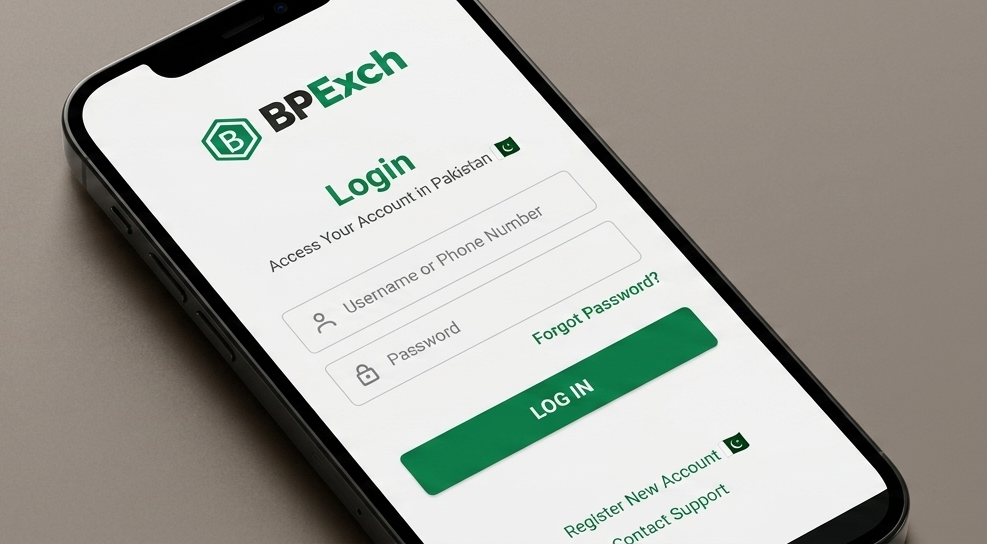
BPExch App Login — First-Time & Returning Players
Access your account securely through the bpexch app with mobile verification and CNIC-linked authentication. We’ve streamlined the login process for both new registrations and returning players across Pakistan.
Register & Log In
- Open the bpexch app and tap “Register” or “Login”
- Enter your CNIC-registered mobile number
- Verify the OTP sent to your device
- Set a strong password and access your PKR Wallet instantly
OTP & Password Reset Tips
If your OTP doesn’t arrive, check your network connection and confirm your SIM is CNIC-registered. Tap “Forgot Password” on the bpexch live apk login screen to reset credentials via mobile verification. Enable push notifications in settings to receive instant security alerts and login confirmations.
Sports, Casino & Aviator — What You Can Play
Our bpexch app brings together three distinct entertainment categories: live sports betting, traditional live dealer games, and modern crash-style gaming. Each section is optimized for mobile play with instant loading and real-time updates.

- Sports — Live cricket (PSL, ICC) plus football and tennis
- Live Casino — Teen Patti, Andar Bahar, and dealer tables
- Aviator — Fast-paced multiplier game with manual cash-out
In-Play Cricket & Sports
We offer live betting on PSL and ICC cricket matches, plus football leagues and tennis tournaments, all accessible through the bpexch app with real-time odds updates.
Live Dealer Tables
Our live casino features Teen Patti and Andar Bahar hosted by real dealers, streaming directly to your device with interactive chat.
Aviator Crash Game
Aviator is a quick-round multiplier game where you watch a plane ascend and cash out before it flies away—pure entertainment with simple mechanics.
Popular Slot Games
Choose Play for real mode or Demo to try the slot.










PKR Deposits & Withdrawals Inside the App
Our bpexch app supports all major Pakistani payment methods with competitive limits. Access JazzCash, Easypaisa, USDT, bank transfers, and RAAST directly from your mobile Cashier.
Supported Methods & Limits
Method | Min Deposit (PKR) | Min Withdrawal (PKR) | Typical Processing |
|---|---|---|---|
JazzCash | 500 | 1,000 | Instant / 1–24 hours |
Easypaisa | 500 | 1,000 | Instant / 1–24 hours |
USDT (TRC20) | 500 | 1,000 | 15 min / 1–24 hours |
IBFT | 500 | 1,000 | 1–24 hours |
RAAST | 500 | 1,000 | Instant / 1–24 hours |
CNIC Verification & Processing
Upload your CNIC before your first withdrawal. Most transactions complete within 24 hours. For current limits, check the Cashier page inside the app.
Payment Methods
Fast deposits, quick withdrawals, and secure checkout options.










Push Notifications & Smart Alerts Setup
Stay updated with real-time alerts directly from the bpexch app. We send instant notifications for match kick-offs, bonus drops, and account activity, so you never miss a moment or opportunity.
Enable Alerts
Open Settings > Notifications inside the bpexch app and toggle alerts on.
Choose Alert Types
Select match start, bonus drop, or deposit confirmation alerts individually and adjust frequency.
App vs Mobile Browser — Why the APK Performs Better
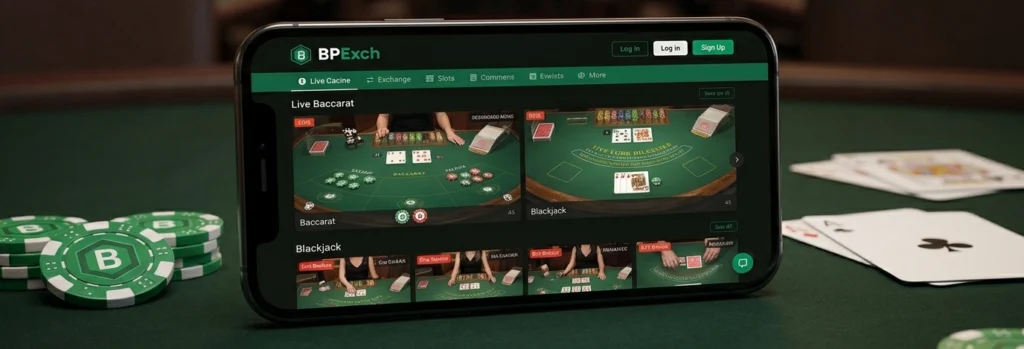
We built the BPExch app to deliver a smoother, faster experience than any mobile browser can offer. Our native APK is optimized for speed, data efficiency, and security, giving you instant access to sports betting, live casino, and Aviator without lag or interruptions.
Responsible Gaming Tools in the BPExch App
We've built control features directly into the BPExch app so you can manage your gaming activity with ease. Access all settings from your profile menu under Responsible Gaming.
Deposit Limits and Session Timers
Set daily, weekly, or monthly deposit limits in PKR from Profile > Settings > Responsible Gaming. Lower limits apply instantly; increases activate after a cooling-off period. Session timers remind you how long you've been playing.
Self-Exclusion and Account Cooldown
Choose self-exclusion periods (7 days, 30 days, or 6 months) to lock your account temporarily. Login and deposits are blocked during exclusion. Contact our support via WhatsApp for confidential assistance anytime.